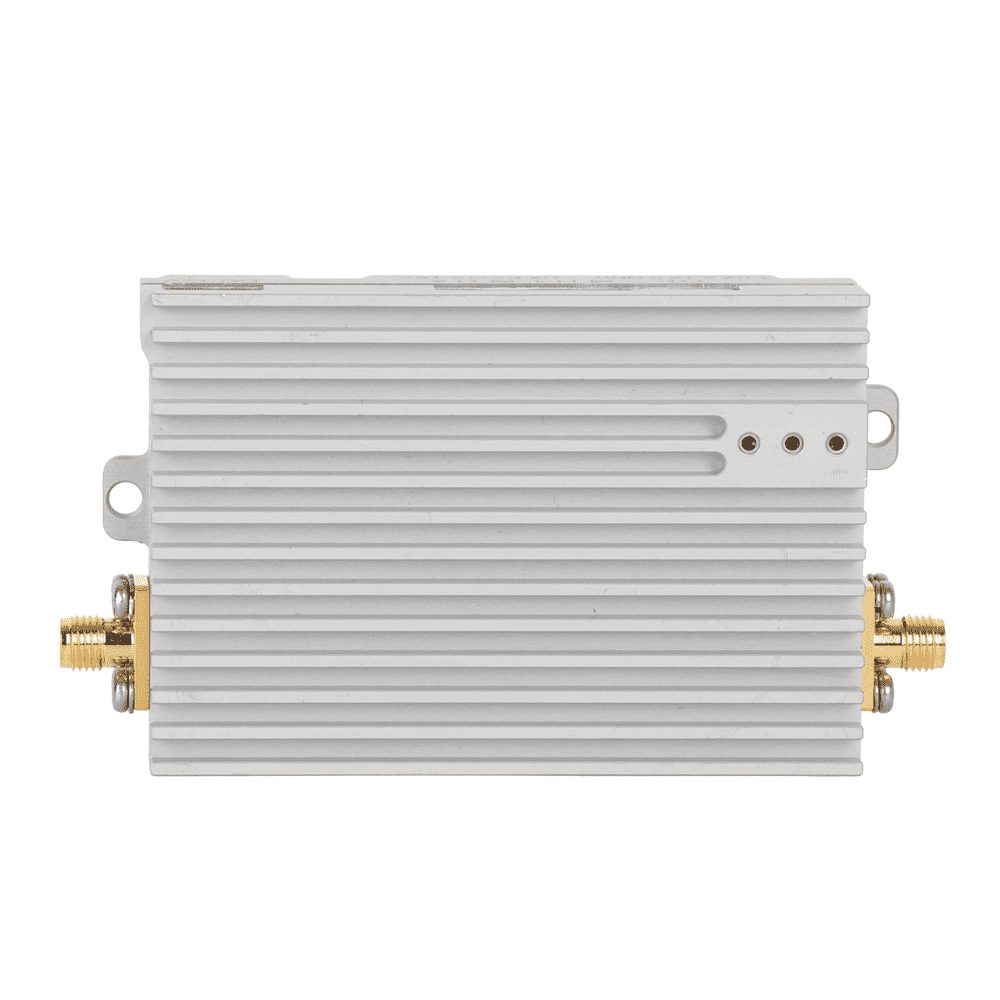
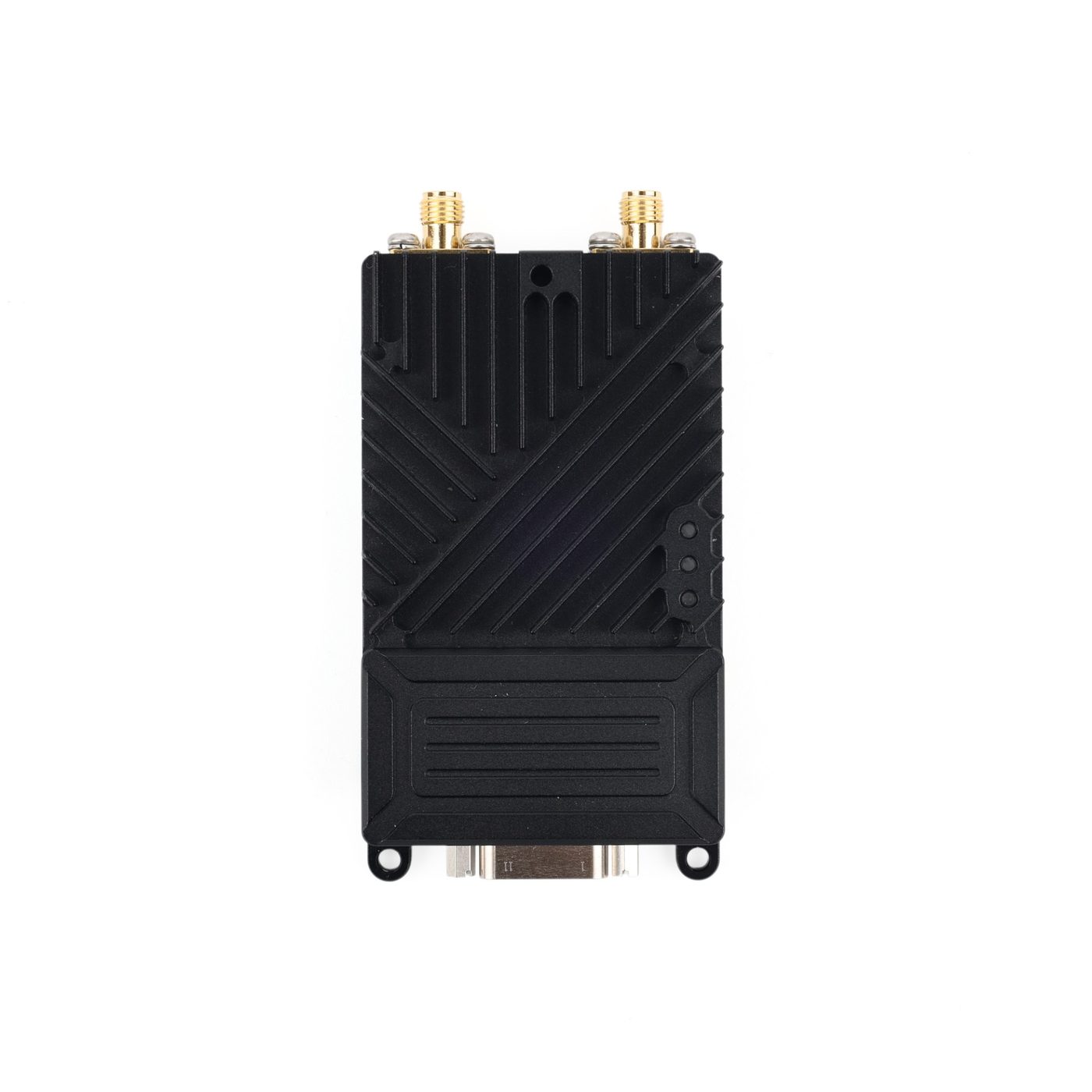
1. Start from the mission, not the radio
Write down what the link must carry, in both directions, and what happens when it degrades. A surveillance platform streaming one HD video channel has a different optimal link than a swarm of five aircraft exchanging positions and telemetry, and both differ from a delivery drone that mostly needs command-and-control with occasional status video.
Rank your requirements: range, payload throughput, latency, mass, power, and cost. No model wins all six — the catalog exists because the trade-offs are real. The selection is which trade you can afford.
2. Range is a geometry problem
Every range figure on this site is a line-of-sight (LOS) reference value: transmitter and receiver can see each other, the Fresnel zone is substantially clear, and antennas are sensible. That is a laboratory-grade geometry, not a mission description.
Use the quoted figures to compare models with each other, then discount for your reality: altitude above terrain, obstacles, antenna height on the ground side, and interference. The dedicated range guide breaks down each factor.
3. Throughput: peak vs effective
The catalog's throughput numbers are peak radio-layer values. Effective throughput — what your payload actually gets — is lower, and drops further when the link steps down modulation to hold the connection at distance or through interference.
As a rule of thumb for planning, take a healthy fraction of the peak as your sustainable video bitrate and verify the real number in a sample test. This is exactly what the sample path of the RFQ is for.
4. Network shape: point-to-point or mesh
One aircraft talking to one ground station wants a point-to-point link: maximum effective throughput for its power and mass. Multiple aircraft that must share data among themselves, or a moving ground crew that needs the network to re-form around obstacles, wants mesh.
Mesh charges for its flexibility: airtime is shared and every hop retransmits, so per-node effective throughput and latency both degrade as the network grows. The topology guide gives the full comparison.
5. Interfaces and the integration budget
The radio is only part of the integration. Map every onboard subsystem to a physical port — Ethernet for the mission computer and IP cameras, TTL/UART or RS-232 for telemetry, SBUS for RC passthrough, RS-422 for longer serial runs — and check the module's supply voltage and peak current against your power system.
The interfaces guide walks each port type and what it is for.
6. Bands: configurable is not fixed
Several models support band customization to order. That is a factory configuration option — confirm the exact band and power configuration your platform and market need before ordering.
Treat the band list in the catalog as capability, and treat the delivered configuration as something you specify per order.